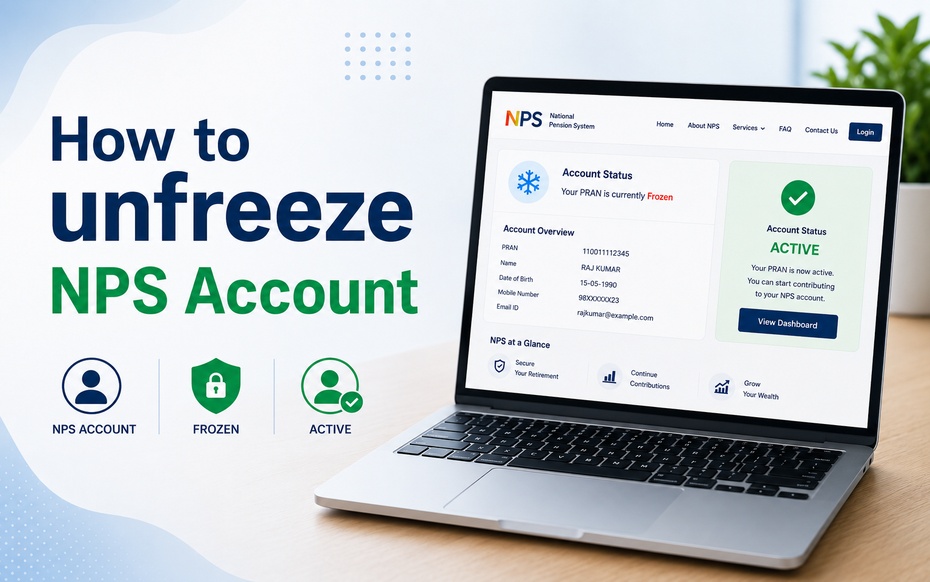


An NPS account gets frozen due to a shortfall in the minimum annual contribution. However, under the latest NPS rules, a frozen account does not get closed automatically. You can unfreeze an NPS account by making the pending contribution. This guide explains the process of unfreezing the NPS account both online and offline.
What is a Frozen NPS Account?
A frozen or inactive NPS account is a type of account that is on hold, i.e., withdrawal and new contributions to such accounts are paused due to an underlying issue such as a pending contribution towards the minimum amount due. It is also different from closure or exit from the National Pension System, as the corpus continues to stay invested and is managed by the pension fund until unfrozen by making the pending contribution.
The most common reason why a subscriber’s NPS account gets frozen is due to missing out on a minimum contribution. In addition to this, a number of other account-specific issues could also freeze your NPS account.
Why is Your NPS Account Frozen?
The most common, and arguably the only explicitly mentioned reason an NPS account gets frozen is the ‘missed/shortfall in minimum contribution’. However, there could also be some other account-specific issues that might freeze your NPS account. Some of these are as follows:
Minimum Contribution Missed or Shortfall Therein
For a Tier 1 NPS account, the minimum contribution due per financial year is INR 1000. If this amount is not contributed to the account, the NPS account gets frozen, as does the associated Tier 2 account.
Pending KYC, Account Details Mismatch or CRA-related Issues
In some instances, a subscriber might not have completed KYC formalities or there could be a mismatch in the account or personal details submitted by a subscriber with the records maintained by the Central Recordkeeping Agency (CRA). Such discrepancies could also cause an NPS account to freeze.
How to Check if Your NPS Account is Frozen
The easiest way to verify whether your NPS account is frozen is by logging into your account on the CRA/eNPS portal with your PRAN and password or OTP. On the dashboard, you will be able to view your account status, and if it has indeed been frozen, you will also be able to see the amount that is pending contribution towards minimum contribution. Additionally, you could also call up the CRA help desk or your Point of Presence (PoP) to clarify the status of your account.
How to Unfreeze an NPS Account Online
Step by step procedure to unfreeze NPS account online from the CRA or eNPS portal is as follows:
Step 1: Log onto the NPS CRA Portal or eNPS App
You can log in to the Protean eNPS or KFintech CRA portals with your PRAN and password or OTP sent to your registered mobile number.
Step 2: Check the Status of Your NPS Account
On the dashboard or after logging in, check if your account shows as “inactive/frozen”。 The portal will also show the amount pending towards contribution and any possible charges that would be levied for unfreezing the NPS account.
Step 3: Make the Contribution Towards Minimum Amount Due
Contribution towards minimum amount due, which is typically INR 1000 for Tier 1 account is to be made through net banking/UPI or debit/credit card. Once the due amount is contributed, an NPS account that had got frozen due to the same will be unfrozen.
Step 4: Verify the Status of Your NPS Account
After making the contribution, verify the status of your NPS account after a few days to ensure that your account is no longer inactive/frozen.
How to Unfreeze NPS Account Offline
If you wish to unfreeze your NPS account offline, you can do so as follows:
Step 1: Go to the Applicable NPS Service Point
You can go to a Point of Presence Service Provider (PoP-SP), e.g., your bank branch, that manages your NPS account.
Step 2: Inform the Official of Your Intention to Reactivate your NPS Account
At the counter, inform the official that your account is frozen/inactive and request them for the necessary forms/procedure to unfreeze the NPS account.
Step 3: Fill the Required Information and Attach Documents
Fill the reactivation form with your subscriber and account details along with the details of your PRAN card and attach a photocopy of the same. Additionally, you will also be required to attach KYC documents, if any.
Step 4: Pay the Applicable Charges/Contribution Towards Minimum Amount Due
Using the NPS Contribution Instruction Slip, you can pay the minimum contribution or applicable charges, if any, towards unfreezing your NPS account by cash, cheque or demand draft.
Step 5: Retain the Acknowledgement Copy
Ensure that you retain the receipt for submission to the PoP as proof of your reactivation request until the process is complete.
Is There Any Charge/Penalty Applicable for Unfreezing NPS Account?
Yes, most often, you will be required to pay the minimum contribution pending towards your NPS account, apart from a penalty for freezing, that usually comes out to be INR 100 per annum for each year of freezing. As rules, terms and conditions applicable to NPS are subject to change by the Pension Fund Regulatory and Development Authority (PFRDA), it is advised to confirm the penalty amount on your CRA or NPS Trust portal before making the contribution.
Documents Required to Unfreeze an NPS Account
Depending on the reason for unfreezing, the following documents might be required to unfreeze your NPS account:
Document
Purpose
PRAN/account details
To identify the subscriber
Identity verification documents, if required
To verify the identity of subscriber
Request/reactivation form
To initiate unfreezing process
Proof of contribution/payment
To show that contribution has been made
KYC documents, if any
To update KYC records, if required
What if My NPS Account is Frozen Due to KYC or Technical Issues?
If you think your NPS account has been frozen due to KYC or technical issues, you could log onto the CRA portal to check your KYC status, and then update your KYC records by submitting the documents required. If the issue is purely technical, e.g., there is an issue with login credentials or a certain transaction, you could raise a query with the CRA help desk or your PoP, instead of viewing it as a contribution-related issue.
What Happens Once My NPS Account is Unfrozen?
After unfreezing your NPS account, ensure that:
Your account status shows as active
The contribution made has been credited to your account
Your regular transactions, e.g., contribution, scheme choice, withdrawal, etc., are functional again
If you have a Tier 2 NPS account linked with your Tier 1 account, be aware that until your Tier 1 account is unfrozen, your Tier 2 account will also remain inactive.
How to Avoid Getting My NPS Account Frozen Again
You could avoid getting your NPS account frozen by:
Keeping a track of the minimum contribution due every financial year
Making sure to make the contribution before the deadline
Keeping your registered mobile number and email-id updated
Addressing KYC or account-related irregularities, whenever reported
Checking your account, contribution and transaction details regularly on the CRA portal
FAQs About How to Thaw NPS Account
1. How long does it take to unfreeze NPS account?
It takes anywhere between a couple of days to a week, typically, to unfreeze an NPS account. The exact time period depends on the mode selected, i.e., the online or offline mode.
2. Is it possible to unfreeze my NPS account by making a contribution?
Yes, if your NPS account is frozen due to a shortfall in contribution, unfreezing it is possible by making the pending contribution towards the minimum amount due. Usually, making the contribution towards minimum amount due and applicable charges gets the NPS account unfrozen.
3. How to check whether an NPS account is active or inactive?
You can check whether your NPS account is active or inactive by logging onto the CRA or eNPS portal with your PRAN and password or OTP. On your dashboard you will be able to see your account status.
4. Is it possible to make contributions to a frozen NPS account?
Typically, you can make only the specific contribution to a frozen NPS account which unfreezes the same. Other regular transactions are not permitted unless the account is unfrozen.
5. What happens to my Tier 2 account if Tier 1 NPS account is frozen?
Since Tier 2 account is operated through Tier 1, if the latter gets frozen, Tier 2 account also gets frozen.
6. Does a frozen NPS account get automatically closed?
No, a frozen NPS account is not closed automatically. It only gets inactive for a period of time until you make the outstanding contribution to unfreeze it.
Disclaimer
Past performance may or may not be sustained in future and should not be used as a basis for comparison with other investments. Returns under NPS are subject to market risk and are prone to fluctuation depending on the state of the Financial market.
Investors are advised to consult their own legal, tax and financial advisors to determine possible tax, legal and other financial implication or consequence of subscribing to the schemes of DSP Pension Fund Managers Private Limited. Tax laws are subject to change.